Inside the CarPlay Voice Revolt Nobody Is Talking About
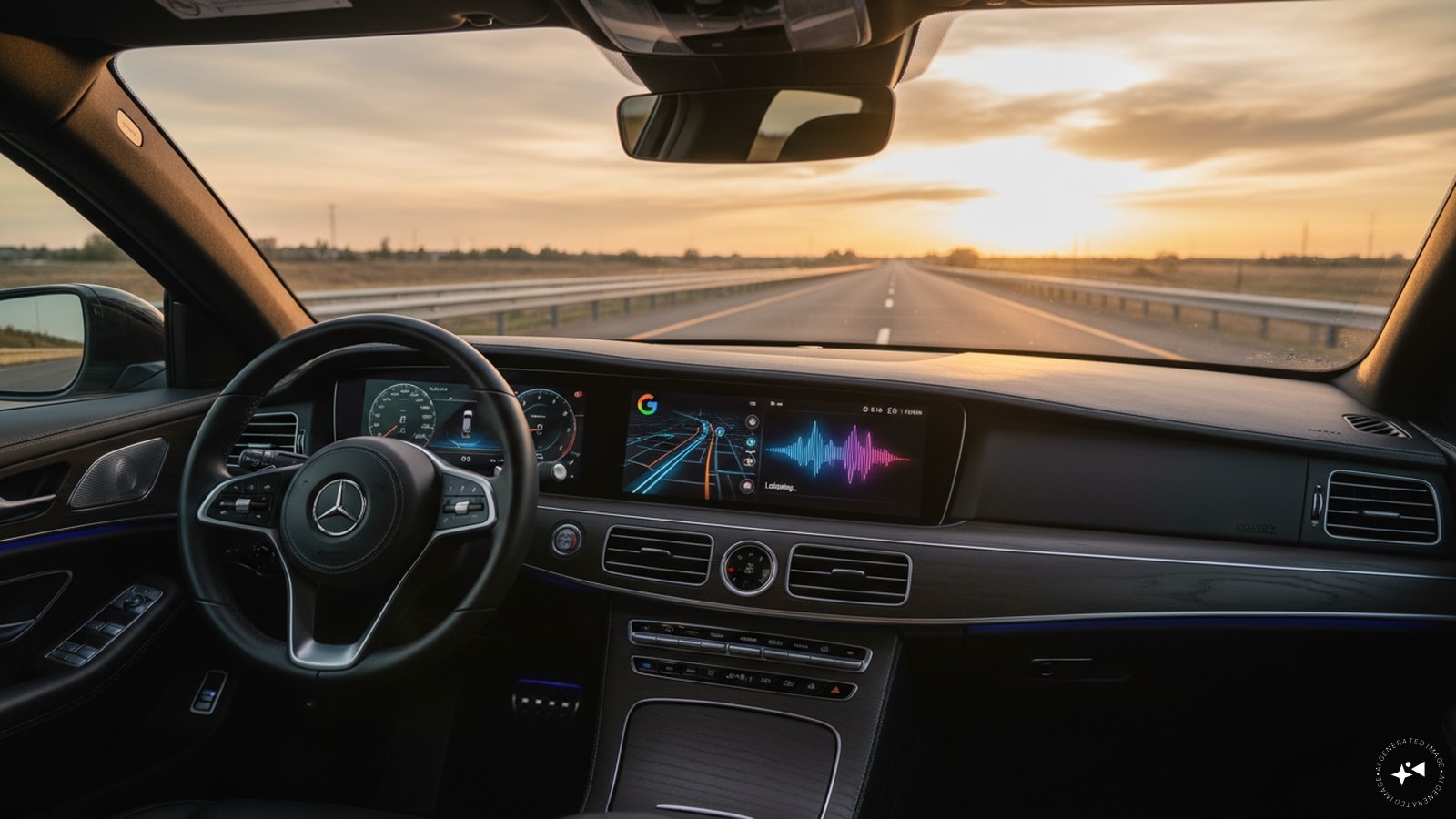
Bringing the Gemini AI voice assistant to Apple CarPlay does more than hand drivers another way to send a text or queue a playlist. It cracks open a walled garden that Apple spent a decade sealing shut. For years, drivers using CarPlay were locked into Siri whether they liked the results or not, even when Siri stumbled over multi-step directions, misread contact names, or fumbled basic local queries at highway speeds. Letting Gemini run inside CarPlay shifts power away from a single default assistant and turns the dashboard screen into a live battleground over who owns the driver's attention, context, and daily habits.
That shift arrives right when automakers and tech giants are fighting over the cockpit. Drivers love the familiar phone projection they already know. Automakers worry that handing too much of the cabin interface to Big Tech erodes their brand identity and cuts them off from recurring software revenue. Meanwhile, conversational AI has moved past rigid voice commands toward models that hold context, chain requests together, and talk back like a sharp co-pilot rather than a brisk switchboard operator. Meanwhile, you can read similar developments here: What Everyone Gets Wrong About Nvidia Searching for Jensen Huang's Replacement.
Why Siri Hit a Wall Behind the Wheel
Siri was built for a different era of mobile computing. When early voice assistants arrived on phones, success meant parsing short, predictable commands like setting a timer, calling a contact, or reading a message aloud. Those narrow commands worked fine when expectations were low and queries were simple.
Driving exposes every weakness in that older design. A person behind the wheel rarely speaks in neat, isolated phrases. They ask compound questions while merging into traffic, change their mind mid-sentence, or want follow-up details without touching a glass screen. When an assistant mishears a street name or forces the driver to repeat a command three times, the feature stops being helpful and becomes a distraction. To understand the complete picture, we recommend the detailed analysis by Ars Technica.
Many drivers learned to work around Siri rather than rely on it. They tapped the screen at red lights, queued playlists before shifting into drive, or used voice only for the simplest tasks they knew wouldn't fail. That quiet workaround habit is the real reason an alternative assistant matters in the cabin. If a voice tool cannot handle natural follow-ups or real-world ambiguity quickly, drivers either stop using voice altogether or reach for the touchscreen when their eyes belong on the road.
How CarPlay Actually Works Under the Hood
To understand why Gemini appearing inside CarPlay is a big deal, it helps to look at how CarPlay functions in practice. CarPlay is not a standalone computer bolted into the dashboard. In most setups, your iPhone does the heavy lifting and projects a streamlined interface onto the vehicle's center display, routing audio through the car speakers and taking input from steering wheel buttons or cabin microphones.
That architecture creates tight boundaries. Apple controls the CarPlay human-interface rules, screen templates, audio focus rules, and how third-party apps behave while a car is moving. Apps inside CarPlay are restricted to approved categories—such as navigation, audio, messaging, and parking—so drivers do not face cluttered phone screens or distracting feeds at seventy miles per hour.
Because of those guardrails, adding Gemini to CarPlay is not as simple as dropping a full desktop or phone chat window onto the dash. Voice assistants on the road have to fit within strict latency budgets, clear audio handoffs, and safety limits. If a response takes too long to generate or rambles when a driver needs a quick turn instruction, the experience breaks down fast.
Latency and the Cost of Waiting in Traffic
In a living room, a two-second pause before an AI answers barely registers. In a moving car, two seconds can feel like an eternity.
Cloud-based large language models often need network round-trips, context retrieval, and token generation before speaking a word. Cellular coverage in tunnels, rural highways, or dense city canyons drops or lags just when a driver asks for a reroute or a nearby coffee stop. A smart answer that arrives ten seconds late is worse than a simple answer that arrives immediately.
Good in-cabin voice design relies on tight engineering trade-offs. Concise spoken replies beat long, essay-style answers every single time when someone is driving. If Gemini is going to win trust on CarPlay, it has to keep answers crisp, interruptible, and fast enough that a driver never feels tempted to pick up the phone to check.
Audio Focus and Cabin Noise
Cars are hostile acoustic environments. Road rumble, tire noise, rain on the roof, air conditioning fans, and backseat chatter all compete with the microphone array.
A voice assistant in a vehicle also has to negotiate audio ducking and priority. Suppose music or a podcast is playing, navigation is about to announce a lane change, and the driver presses the voice button to ask a question. Which audio stream gets lowered? What happens if a passenger speaks instead of the driver? How quickly does playback resume once the assistant finishes?
Getting those handoffs right is unglamorous work. Nobody cheers for smooth audio ducking in a press release. Yet clunky audio transitions—like music blasting back at full volume mid-syllable or navigation prompts getting swallowed—are the exact rough edges that make drivers turn a feature off.
The Automaker Tug-of-War Nobody Talks About
Tech coverage usually frames CarPlay stories as a duel between Apple and Google. That misses a third major player sitting right in the driver's seat: the automaker.
Car companies have spent years wrestling with a dilemma. Surveys and buyer habits consistently show that many drivers prefer projecting their phone onto the center screen rather than learning a custom factory infotainment system. At the same time, automakers hate ceding the primary screen—and the customer relationship—to consumer tech companies.
Several major carmakers have pushed native software strategies built around their own interfaces, app stores, and subscription bundles. Some have even talked about phasing out phone projection in future lineups. Yet pushing back against what buyers already like carries real commercial risk when shoppers compare vehicles on a dealership lot.
Bringing Gemini into CarPlay complicates that dynamic even further. Drivers already use Google Maps, Waze, YouTube Music, and Google search across devices. When Gemini joins that ecosystem inside CarPlay, the phone projection layer becomes even more capable—which makes native automaker dashboards look less indispensable unless the carmaker offers genuinely superior vehicle integration, such as battery preconditioning, climate control, or hands-free driver-assistance controls tied directly to the car's hardware.
Privacy, Permissions, and the Trust Gap
Whenever an AI assistant enters a space as personal as a car, questions around data and permissions follow closely behind. A vehicle cabin knows where you commute, where you stop at night, who you call on long drives, and sometimes what you talk about with family or colleagues inside the car.
Using an assistant like Gemini inside an Apple environment naturally raises practical questions for everyday users. How does request handling work across accounts and devices? What data is processed to answer a query versus stored or used to improve models? Which actions can a voice assistant take on its own, and which ones require explicit confirmation so an errant voice command does not send a message to the wrong person or place an unwanted call?
Trust in the car is fragile. One awkward misfire—mishearing a name, reading a private message aloud while passengers are in the cabin, or pulling up an unintended address—can sour a user quickly. Clear permission boundaries and predictable behavior matter far more than flashy demo tricks.
Consider a hypothetical example to see how context can help or hurt on a routine commute. Suppose a driver leaves work early on a Thursday and says, "Find a place to grab lunch on the way home that has outdoor seating and takes under ten minutes off my route." A capable assistant can check live traffic, filter options along the corridor, and give a short spoken summary. That is genuinely useful. Now imagine the same assistant chimes in unprompted with a long list of unrelated suggestions while the driver is navigating a tricky merge. Helpful turns annoying in a heartbeat.
Real Limits That Won't Disappear Overnight
Even with stronger AI under the hood, voice inside a car faces hard physical and legal boundaries that software alone cannot erase.
Screens and complex multi-step menus still have limits while driving. Even if an AI model can draft a detailed reply or research a complicated topic, reading long text on a dashboard display is unsafe and impractical behind the wheel. Spoken interfaces have to stay brief, structured, and easy to follow by ear.
Vehicle integration is another ceiling. A phone-projected assistant can work wonders with maps, media, messages, calendar items, and web knowledge, yet it does not natively own every low-level vehicle control across dozens of makes and model years. Turning on heated seats, adjusting cabin airflow zones, or managing regenerative braking often remains tied to the car's own hardware and native software.
Connectivity is the third bottleneck. Dead zones still exist. Parking garages still swallow signals. Older vehicles with wired CarPlay connections or aging head units also behave differently than newer wireless setups with crisp screens and fast processors. Anyone expecting magic in every car on the road is setting themselves up for disappointment.
What Changes for Drivers Right Now
For everyday drivers, the real takeaway is practical rather than dramatic. You do not need to overhaul your car or buy a new vehicle just to see how voice assistants are evolving in the cabin.
Start by paying attention to how you actually use voice while driving today. Notice the moments where you hesitate to press the voice button because you already suspect the assistant will misunderstand you. Those friction points—navigating multi-stop errands, checking quick facts mid-trip, or handling messages hands-free—are the exact test cases where newer conversational assistants will either prove their worth or fall short.
Keep your expectations grounded in road safety and speed. Test voice commands on familiar routes first, keep prompts clear and direct, and pay attention to how quickly the system responds and recovers when something goes wrong. A voice assistant in a car earns its keep not by sounding clever in a showroom demo, but by getting you accurate information in two seconds with your eyes still on the road.